Digital marketing continues to evolve every year. New technologies, AI-powered features, and changing customer behaviour make it important for businesses to use the right digital marketing tools. Whether you are a small business owner, freelancer, startup, or marketing agency, choosing the right tools can save time, improve productivity, and deliver better marketing results.
In 2026, businesses are focusing more on automation, data-driven decisions, personalized marketing, and AI-powered content creation. The right digital marketing tools help marketers manage SEO, social media, email marketing, website analytics, content planning, and team collaboration more efficiently.
From researching keywords and analyzing competitors to creating social media content and tracking website performance, these tools simplify everyday marketing activities. They also help businesses understand customer behaviour, identify opportunities, and make informed decisions based on performance data.
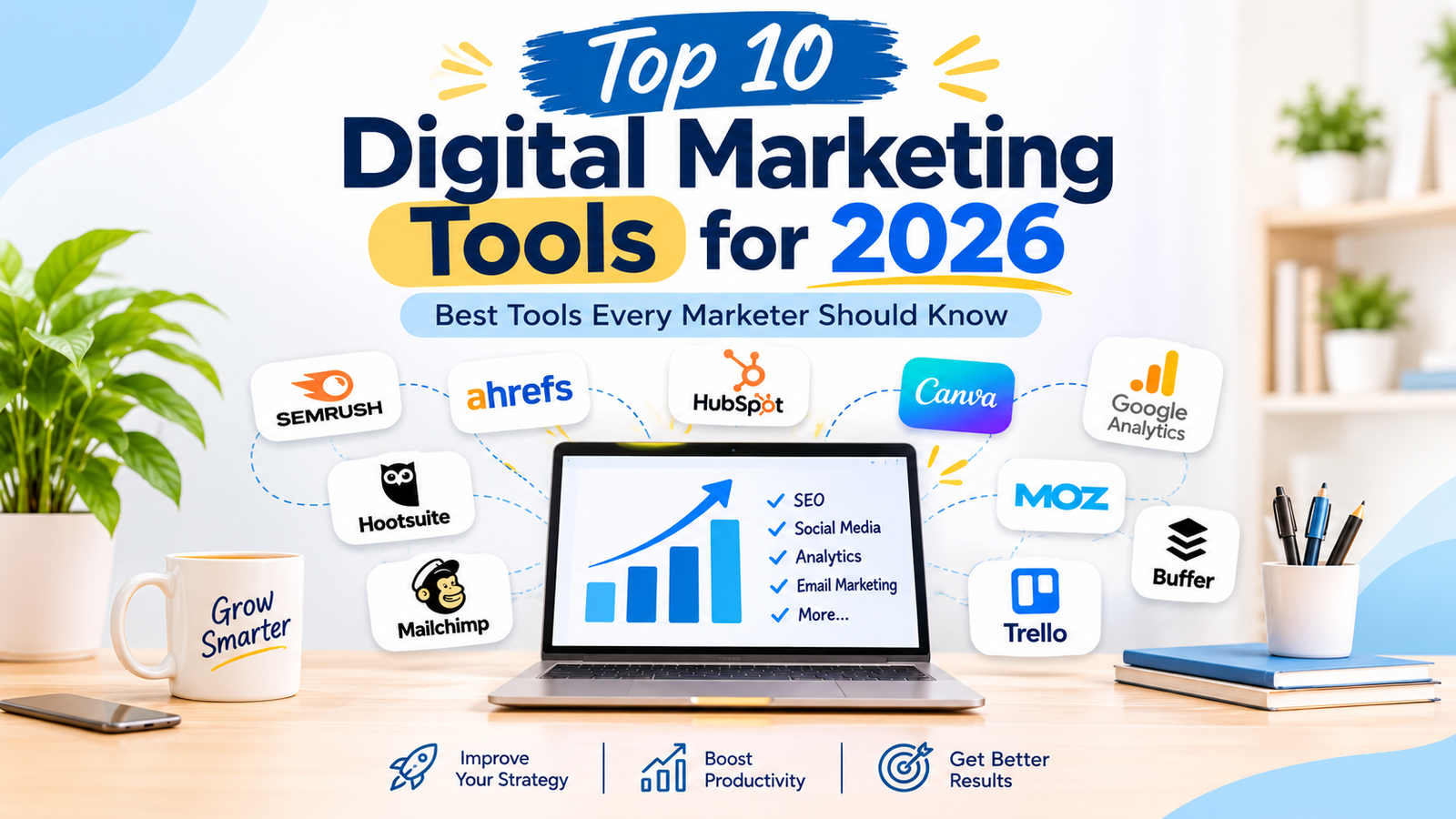
In this guide, we’ll explore the top 10 digital marketing tools for 2026 that every marketer should consider. Each platform offers different features and capabilities to help improve your online presence, streamline marketing activities, and increase your return on investment (ROI).
The digital world has become more competitive than ever. Customers expect personalized experiences, fast websites, valuable content, and engaging communication across multiple platforms. Managing all these activities manually can take a significant amount of time and make it difficult to track performance.
This is where digital marketing software becomes valuable. These platforms help marketers automate repetitive tasks, organize campaigns, measure results, and identify areas that need improvement.
Here are some important ways marketing tools help businesses:
Using the right combination of tools allows businesses to work smarter instead of harder. However, choosing tools based on specific business goals is more important than using too many platforms.
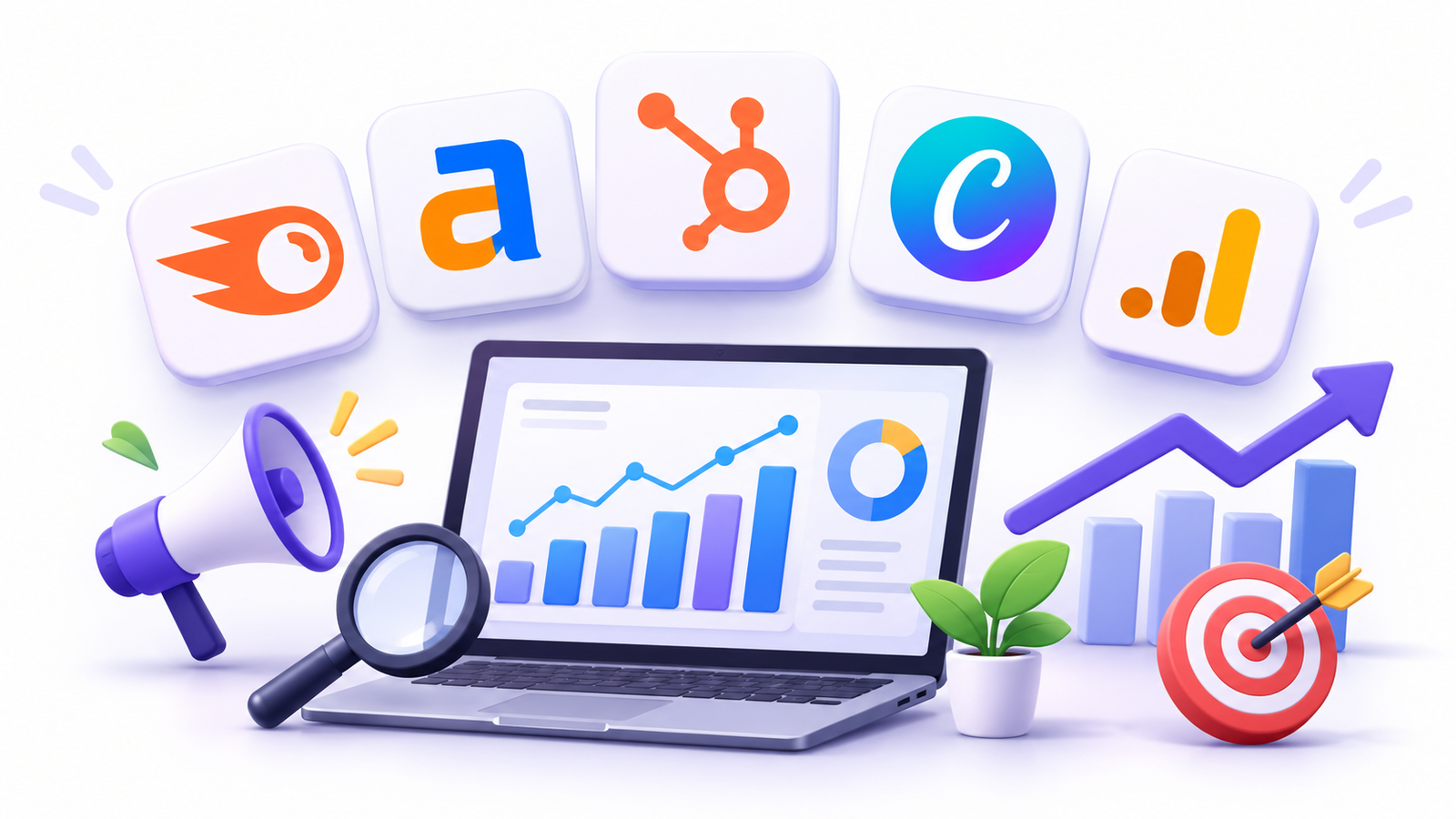
SEMrush remains one of the most popular digital marketing tools for businesses and marketing professionals. It is an all-in-one platform that helps improve search engine visibility, analyze competitors, and develop effective SEO strategies.
Whether you want to discover profitable keywords, audit your website, or monitor backlinks, SEMrush provides several features in one platform.
One of its biggest advantages is competitor research. You can analyze competing websites, discover the keywords they rank for, and identify content opportunities that may help improve your own website’s performance.
For example, if you manage a business website, you can use SEMrush to identify keywords related to your services, check their search volume, and understand how difficult it may be to rank for them.
Key Features:
Who Should Use SEMrush?
SEMrush is useful for SEO specialists, digital marketing executives, bloggers, freelancers, and marketing agencies that want to improve organic search performance and understand their competitors.
Ahrefs is another powerful SEO platform widely used by digital marketers. It is particularly well known for its backlink analysis capabilities and extensive search data.
Backlinks are links from other websites pointing to your website. They can help search engines discover your content and are an important consideration in SEO strategies.
Ahrefs helps marketers understand which websites link to their competitors, discover keyword opportunities, and identify content gaps.
Its Site Explorer feature allows you to examine a website’s backlink profile and organic search performance. The Keywords Explorer tool helps discover search terms that people use when looking for information, products, or services.
For example, if you have a blog about digital marketing, you can use Ahrefs to identify topics that competing blogs cover but your website has not addressed yet.
Key Features:
Who Should Use Ahrefs?
Ahrefs is particularly useful for SEO professionals, content marketers, bloggers, and businesses that want to strengthen their backlink profiles and discover new content opportunities.
HubSpot is an all-in-one marketing platform that combines customer relationship management (CRM), email marketing, content management, automation, and customer service.
It helps businesses manage customer information, track leads, and organize marketing activities from a centralized platform.
One of HubSpot’s biggest advantages is its CRM functionality. Businesses can store customer details, monitor interactions, manage sales pipelines, and understand where potential customers are in their buying journey.
Its marketing automation features also help businesses send personalized emails, create automated workflows, and manage lead nurturing activities.
For example, when someone fills out a contact form on your website, HubSpot can help record their information and organize follow-up activities. Depending on the setup and plan, businesses can also create automated email sequences to maintain communication with potential customers.
Key Features:
Who Should Use HubSpot?
HubSpot is suitable for startups, small businesses, sales teams, and marketing agencies that want to manage customer relationships and marketing activities in one ecosystem.
Visual content plays an important role in digital marketing. Attractive graphics, videos, presentations, and social media posts help businesses communicate their messages and capture audience attention.
Canva makes graphic design easier, even for people who do not have professional design experience.
Its drag-and-drop editor, ready-made templates, and AI-assisted design features allow marketers to create professional-looking content without needing advanced graphic design skills.
Canva is especially useful for social media marketing because it provides templates for different platforms and content formats.
For example, a digital marketing executive can use Canva to create Instagram posts, LinkedIn graphics, promotional banners, infographics, and marketing presentations.
What Can You Create With Canva?
Key Features:
Who Should Use Canva?
Canva is ideal for content creators, social media managers, freelancers, small business owners, and marketing teams that need to create visual content quickly.
Google Analytics is one of the most valuable free analytics platforms for digital marketers. It helps businesses understand how visitors interact with their websites and measure the effectiveness of their online marketing activities.
Google Analytics 4 (GA4) provides insights into website and app activity through an event-based measurement system.
With this platform, marketers can understand where website visitors come from, which pages they visit, how they interact with content, and whether they complete important actions such as purchases or form submissions.
For example, if you run a Google Ads campaign, you can use Google Analytics to understand how visitors behave after clicking your advertisements, provided the relevant tracking is configured correctly.
This information helps marketers identify successful traffic sources and improve website experiences.
Key Features:
Who Should Use Google Analytics?
Google Analytics is useful for website owners, SEO specialists, digital marketing executives, ecommerce businesses, and marketing agencies that want to measure website performance.
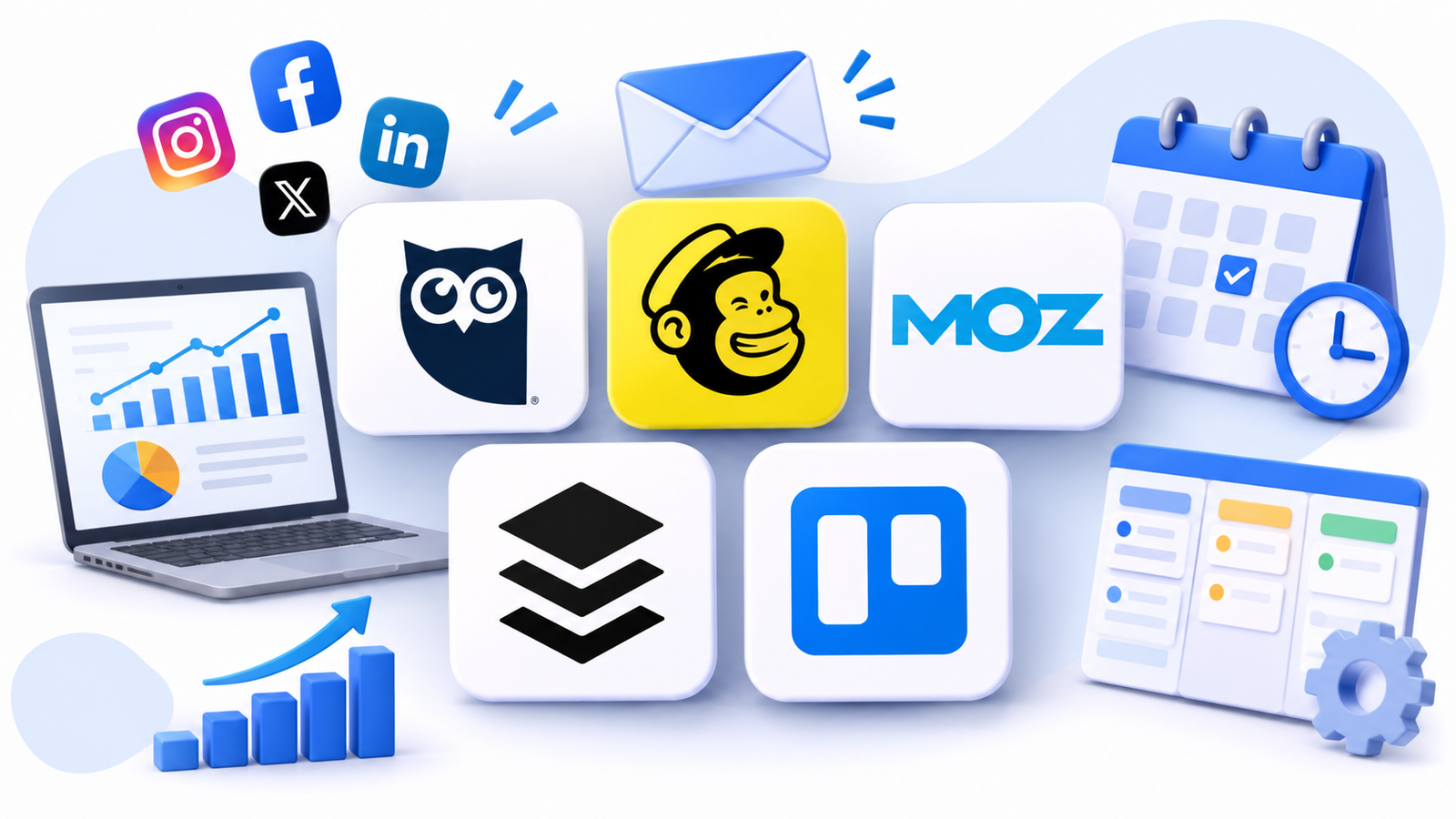 Essential digital marketing tools for email, SEO, and social media
Managing multiple social media accounts can be challenging, especially for businesses that publish content regularly across different platforms.
Hootsuite simplifies social media management by allowing marketers to schedule, publish, monitor, and analyze content from one dashboard.
Instead of logging into multiple social media accounts every day, users can organize their publishing activities and manage their content more efficiently.
Its scheduling features help businesses plan posts in advance and maintain a consistent publishing schedule.
For example, a social media manager handling Facebook, Instagram, and LinkedIn accounts can use Hootsuite to organize upcoming posts, monitor engagement, and review performance reports.
Key Features:
Who Should Use Hootsuite?
Hootsuite is suitable for social media managers, marketing agencies, growing businesses, and teams managing multiple social media accounts.
Email marketing remains an important digital marketing channel because it allows businesses to communicate directly with their existing customers and potential leads.
Mailchimp is one of the popular email marketing platforms that helps businesses create professional email campaigns, manage subscribers, and automate customer communication.
It provides tools for designing email newsletters, segmenting audiences, creating signup forms, and monitoring campaign performance.
For example, an online store can use Mailchimp to send product updates, promotional offers, newsletters, and abandoned-cart reminders, depending on its configuration and plan.
Email campaign reports also help marketers understand how subscribers interact with their emails and identify opportunities to improve future campaigns.
Key Features:
Who Should Use Mailchimp?
Mailchimp is useful for small businesses, ecommerce stores, bloggers, freelancers, and marketing teams that want to build and manage email marketing campaigns.
Moz is another well-known SEO platform trusted by marketers worldwide. Its beginner-friendly interface makes SEO easier for businesses and professionals who are new to search engine optimization.
Moz provides tools for keyword research, website analysis, backlink monitoring, and search performance tracking.
One of its popular metrics is Domain Authority (DA), which estimates the ranking potential of a website compared with other websites. It is important to understand that Domain Authority is a Moz metric, not a Google ranking factor.
Moz also helps marketers identify SEO opportunities and understand how their websites perform in search results.
For example, if you are managing a business website, you can use Moz to research relevant keywords, review backlink profiles, and identify areas that may need SEO improvements.
Key Features:
Who Should Use Moz?
Moz is a good option for beginners, small businesses, bloggers, and SEO professionals who need accessible tools for managing website optimization.
Buffer is one of the easiest digital marketing tools for managing social media content. It helps businesses schedule posts, organize content calendars, and analyze social media performance.
Its simple interface makes it a useful option for individuals and small teams that want to maintain a consistent social media presence without using complicated software.
With Buffer, marketers can plan content in advance, prepare captions, organize publishing schedules, and review engagement data.
For example, a freelancer managing a small business’s Instagram and LinkedIn accounts can use Buffer to prepare a week’s worth of posts and schedule them in advance.
This saves time and makes social media planning more organized.
Key Features:
Who Should Use Buffer?
Buffer is suitable for freelancers, content creators, startups, small businesses, and social media managers looking for a straightforward scheduling platform.
Digital marketing projects often involve multiple people, different responsibilities, and several deadlines. Without proper organization, managing these activities can become difficult.
Trello helps marketing teams organize projects using visual boards, lists, and cards.
You can create boards for different campaigns, assign tasks to team members, set deadlines, attach files, and track project progress.
For example, if you are planning a monthly content marketing campaign, you can create separate cards for keyword research, content writing, graphic design, SEO optimization, and publishing.
Team members can update task progress, making it easier to understand which activities are completed and which still need attention.
Key Features:
Who Should Use Trello?
Trello is useful for freelancers, digital marketing agencies, content teams, startups, and businesses that want to organize marketing projects and improve team collaboration.
Not every business needs every tool. The right choice depends on your business goals, marketing activities, budget, and team requirements.
Before investing in any digital marketing software, consider the following factors.
Start by understanding what you want to achieve through digital marketing.
If your main goal is improving organic search rankings, focus on SEO platforms such as SEMrush, Ahrefs, or Moz.
If you want to improve social media management, consider tools such as Buffer or Hootsuite.
Similarly, businesses focusing on customer communication may benefit from Mailchimp or HubSpot.
Choosing tools according to your goals helps avoid unnecessary subscriptions.
Digital marketing tools come with different pricing structures. Some offer free plans, while others require monthly or annual subscriptions.
Before selecting a tool, compare its features, limitations, and pricing options.
If you are a beginner or freelancer, start with free versions whenever possible. Upgrade to paid plans when your marketing requirements increase.
A tool should make your work easier, not more complicated.
Choose platforms with user-friendly dashboards, clear reports, and features that match your experience level.
Beginners should prioritize tools that offer tutorials, learning resources, and simple workflows.
Using several marketing platforms becomes easier when they can share data or connect with one another.
For example, integrating your website with Google Analytics can help you measure website activity. Connecting a CRM with your email marketing platform can also improve customer management.
Check whether a tool supports the integrations your business needs.
Reliable customer support can save valuable time when technical issues arise.
Before choosing a platform, check its help center, tutorials, community resources, and available support options.
Good learning resources are especially useful for beginners who are using marketing software for the first time.
Using the right combination of marketing platforms can improve the efficiency and effectiveness of business marketing activities.
Here are some important benefits:
The biggest advantage is that these tools help marketers spend less time on repetitive activities and more time developing creative strategies and improving campaign performa
Digital marketing tools are software platforms and applications that help businesses plan, execute, manage, and measure their online marketing activities. They support different activities such as SEO, social media management, email marketing, content creation, website analytics, and campaign management.
Some of the best digital marketing tools in 2026 include SEMrush, Ahrefs, HubSpot, Canva, Google Analytics, Hootsuite, Mailchimp, Moz, Buffer, and Trello. The right choice depends on your marketing goals, budget, and business requirements.
Yes. Several platforms offer free tools or free plans that beginners can use. Examples include Google Analytics, Canva’s free plan, Buffer’s free plan, and free SEO resources from platforms such as Ahrefs and Moz. Google Search Console and Google Keyword Planner are also useful tools for learning SEO and keyword research.
SEMrush, Ahrefs, and Moz are popular SEO platforms. They help marketers with keyword research, competitor analysis, backlink monitoring, and website audits. Google Search Console is another valuable free tool for monitoring your website’s performance in Google Search.
Yes. Digital marketing tools can help small businesses manage their online presence, create content, analyze website traffic, communicate with customers, and improve marketing efficiency. Businesses do not need to purchase every available tool. They can start with affordable or free options and expand their toolkit as their requirements grow.
As digital marketing continues to evolve, choosing the right digital marketing tools is essential for staying competitive in 2026.
Whether your goal is to improve SEO, manage social media, create engaging content, run email campaigns, organize marketing projects, or track website performance, the right platforms can make your work faster, smarter, and more effective.
The tools featured in this guide—SEMrush, Ahrefs, HubSpot, Canva, Google Analytics, Hootsuite, Mailchimp, Moz, Buffer, and Trello—offer solutions for different stages of your digital marketing journey.
From small businesses and startups to freelancers and large marketing teams, these platforms can help improve productivity, strengthen customer engagement, and support better marketing decisions.
Before investing in any software, identify your business goals, budget, and marketing requirements. Start with the tools that solve your biggest challenges and expand your toolkit as your business grows.
By choosing and using the best digital marketing tools in 2026, you can streamline your marketing efforts, make data-driven decisions, improve online visibility, and work towards long-term business success.