On-page SEO is one of the most important parts of a successful search engine optimization strategy. It focuses on improving the elements of your website that you can directly control, including your content, headings, page titles, URLs, images, internal links, and overall page experience.
When your website is properly optimized, search engines can understand your content more clearly, while visitors can find the information they need more easily. Whether you run a small business website, personal portfolio, online store, or service-based website, learning the basics of on-page SEO can help you build a stronger online presence.
In this guide, we’ll explore what on-page SEO is, why it matters, the most important optimization techniques, common mistakes, and a practical checklist you can use when optimizing your website.
What Is On-Page SEO?
On-page SEO, also called on-site SEO, is the process of optimizing individual web pages to improve their visibility in search engine results and provide a better experience for visitors.
It includes both the visible content on a page and certain HTML elements that help search engines understand the page.
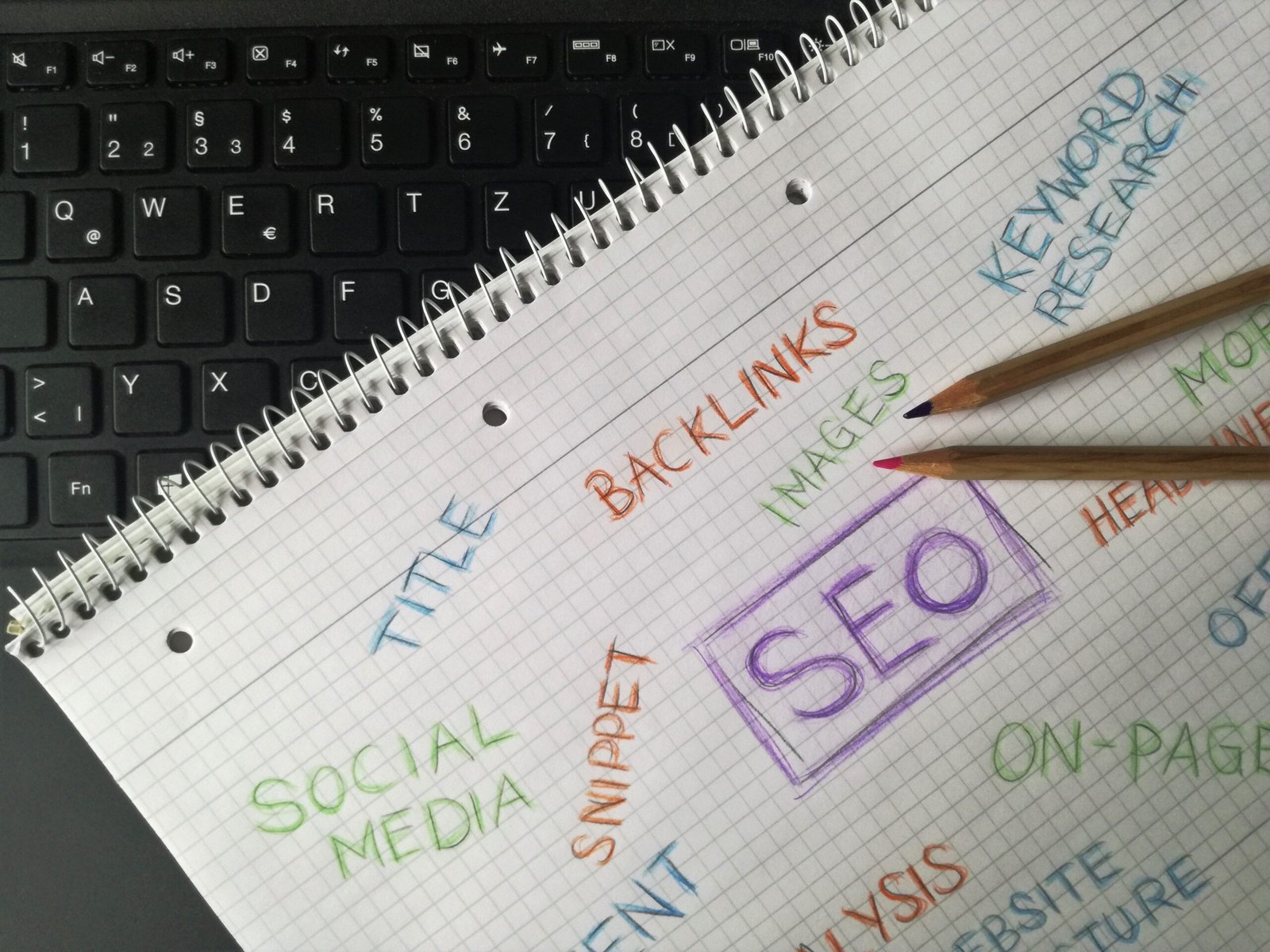
Important on-page SEO elements include:
* Page titles
* Headings
* Main content
* Keywords
* Meta descriptions
* URLs
* Images
* Alt text
* Internal links
* Content structure
* Mobile usability
* Page experience
The main goal is to create a page that is relevant, useful, accessible, and easy to understand.
On-page SEO is different from off-page SEO. Off-page SEO involves activities outside your website, such as earning backlinks and building online authority. Technical SEO focuses more broadly on the technical foundation of your website.
Why Is On-Page SEO Important?
Search engines need to understand what every page on your website is about before they can determine when it may be relevant to a search.
Imagine you have a page about SEO services, but the page has no clear title, poor headings, unclear content, and confusing navigation. Both users and search engines may have difficulty understanding the page.
Effective on-page SEO helps communicate the purpose of your page clearly.
It can help you:
* Improve organic search visibility
* Attract more relevant visitors
* Make your content easier to understand
* Improve website navigation
* Support better user experience
* Increase opportunities for leads and conversions
* Build a stronger website structure
However, on-page SEO should not be treated as a quick trick for achieving rankings. Search engines consider many factors, and simply adding keywords to a page does not guarantee higher rankings.
The best approach is to create genuinely useful content and optimize it so search engines and users can understand it easily.
1. Start With Search Intent
Before writing or optimizing a page, understand search intent.
Search intent is what a person is looking for when they search on Google.
For example, someone searching for:
> “What is on-page SEO?”
is probably looking for educational information.
Someone searching for:
> “on-page SEO services”
may be looking for a professional service.
Someone searching for:
> “best SEO tools”
may be comparing different tools.
Understanding the intent behind a keyword helps you create content that actually answers what the searcher wants.
If your content doesn’t satisfy search intent, simply repeating the target keyword won’t make the page useful.
2. Optimize Your Page Title
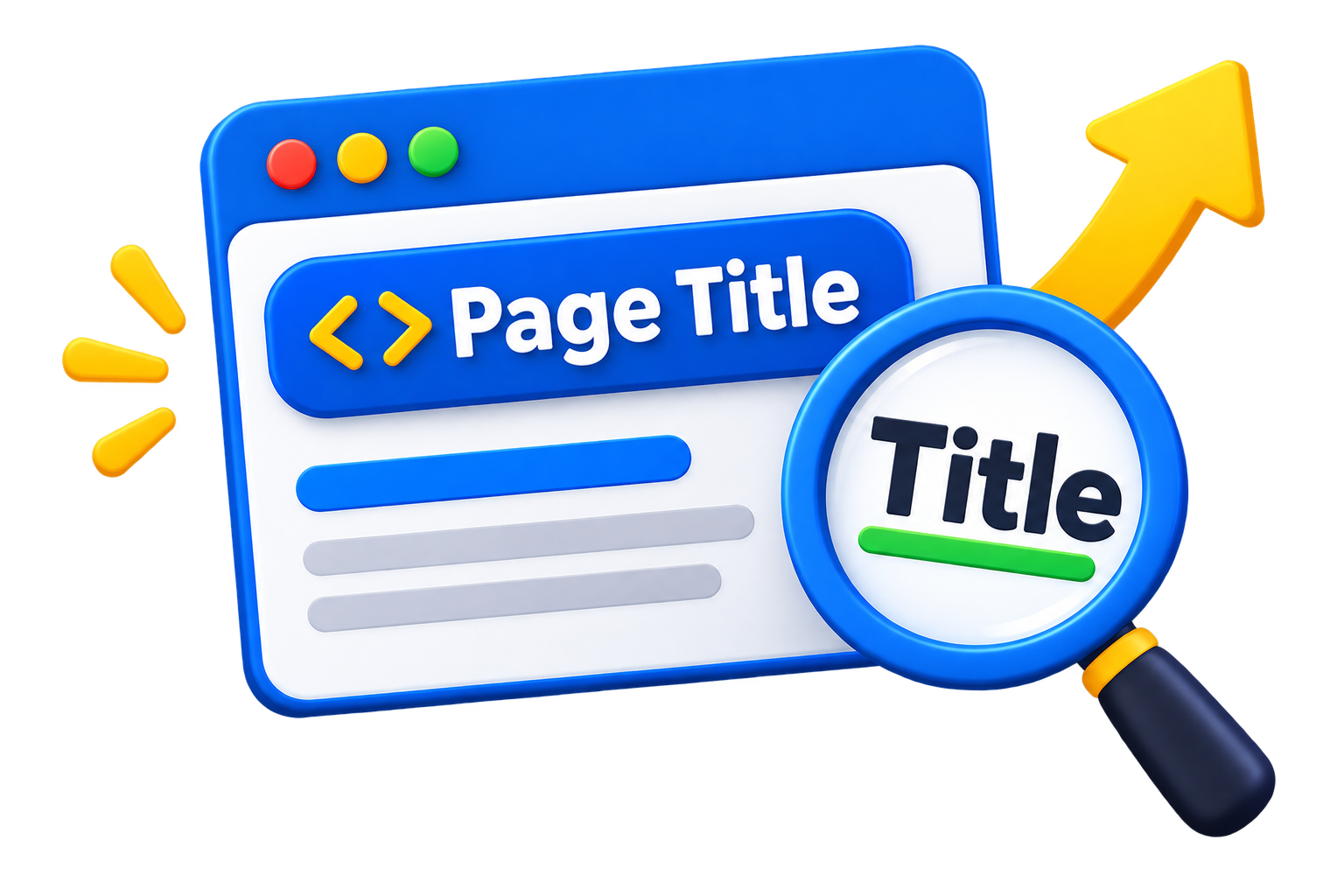
The page title is one of the most important elements of on-page SEO.
It shows visitors and search engines what the page covers.
A good page title should be:
* Clear
* Specific
* Relevant
* Concise
* Naturally written
For example, instead of:
> Services
you could use:
> SEO Services for Small Businesses | Arjun Marketer
For a blog post, you might use:
> On-Page SEO: A Complete Guide to Website Optimization
Avoid creating titles that are extremely long, misleading, or stuffed with repeated keywords.
3. Use a Clear Heading Structure
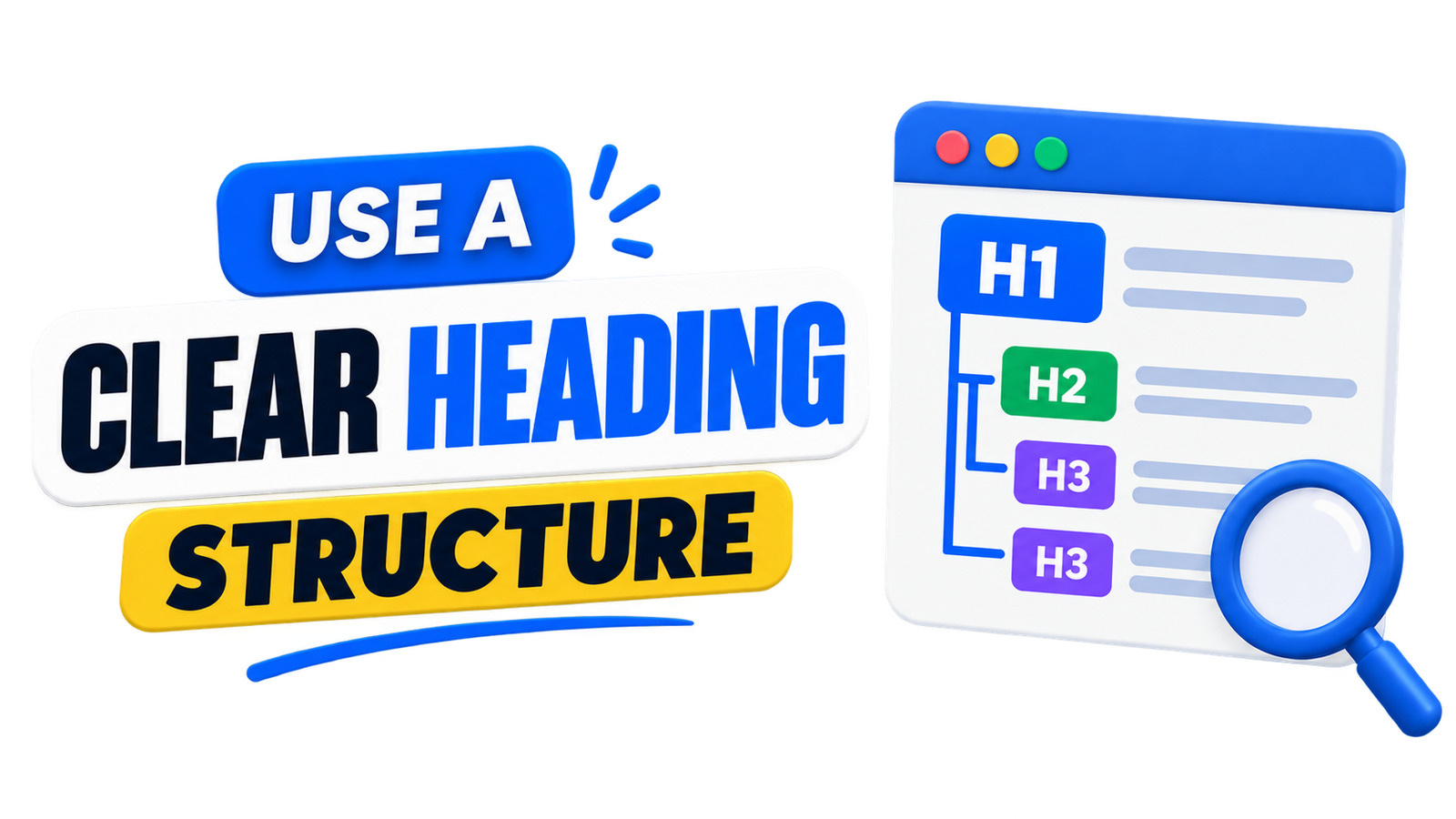
Headings help readers quickly understand and navigate your content.
A well-structured article normally uses one main H1 heading followed by H2 and H3 subheadings where appropriate.
For example:
*H1: On-Page SEO: A Complete Guide
*H2: What Is On-Page SEO?
*H2: Why Is On-Page SEO Important?
*H2: Important On-Page SEO Techniques
*H3: Page Titles
*H3: Meta Descriptions
*H3: Image Optimization
A clear heading structure improves readability and helps communicate the organization of your content.
Don’t add headings just to insert keywords. Every heading should serve a useful purpose.
4.Create High-Quality Content
Content is one of the central components of on-page SEO.
Your content should provide useful information that matches the topic and search intent.
For example, if you’re writing about local SEO for small businesses, don’t simply repeat the phrase “local SEO” throughout the article.
Instead, explain:
* What local SEO means
* Why it matters
* How Google Business Profile works
* How local keywords can be researched
* How reviews can help businesses
* How local pages can be optimized
* Common mistakes businesses should avoid
This creates a more complete resource for the reader.
Good content should be original, accurate, useful, and written primarily for people rather than search engines.
5. Use Keywords Naturally
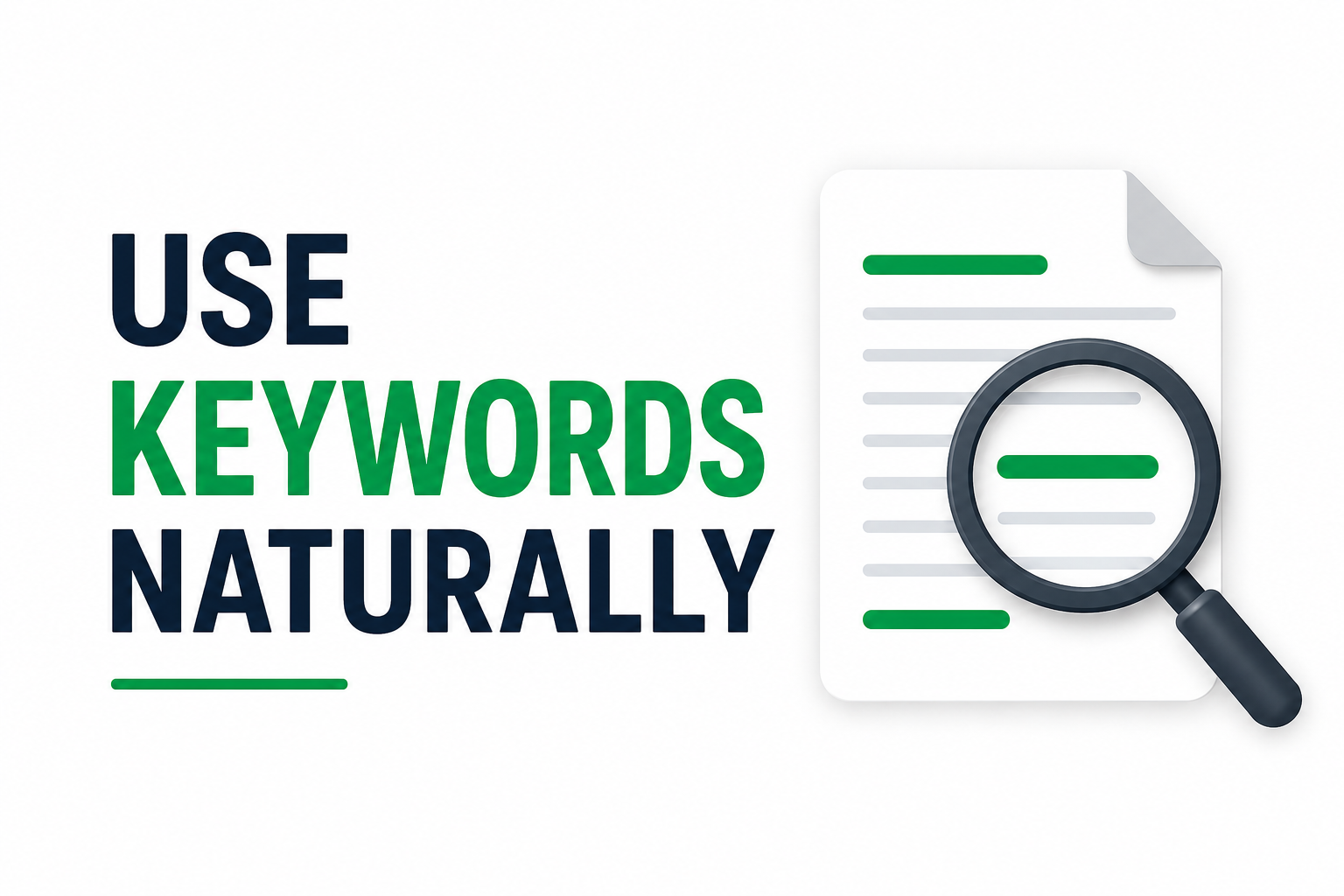 Keywords help search engines identify what your page is about.
However, modern SEO is not about repeating the same keyword dozens of times.
Suppose your primary keyword is:
on-page SEO
You can naturally discuss related concepts such as:
* Website optimization
* SEO content
* Internal linking
* Page titles
* Search engine optimization
* Image optimization
* Meta descriptions
Use your primary keyword where it makes sense, including important areas such as the title and main heading, but avoid keyword stuffing.
If a sentence sounds unnatural because you’re trying to insert a keyword, rewrite it for the reader.
6. Write a Helpful Meta Description
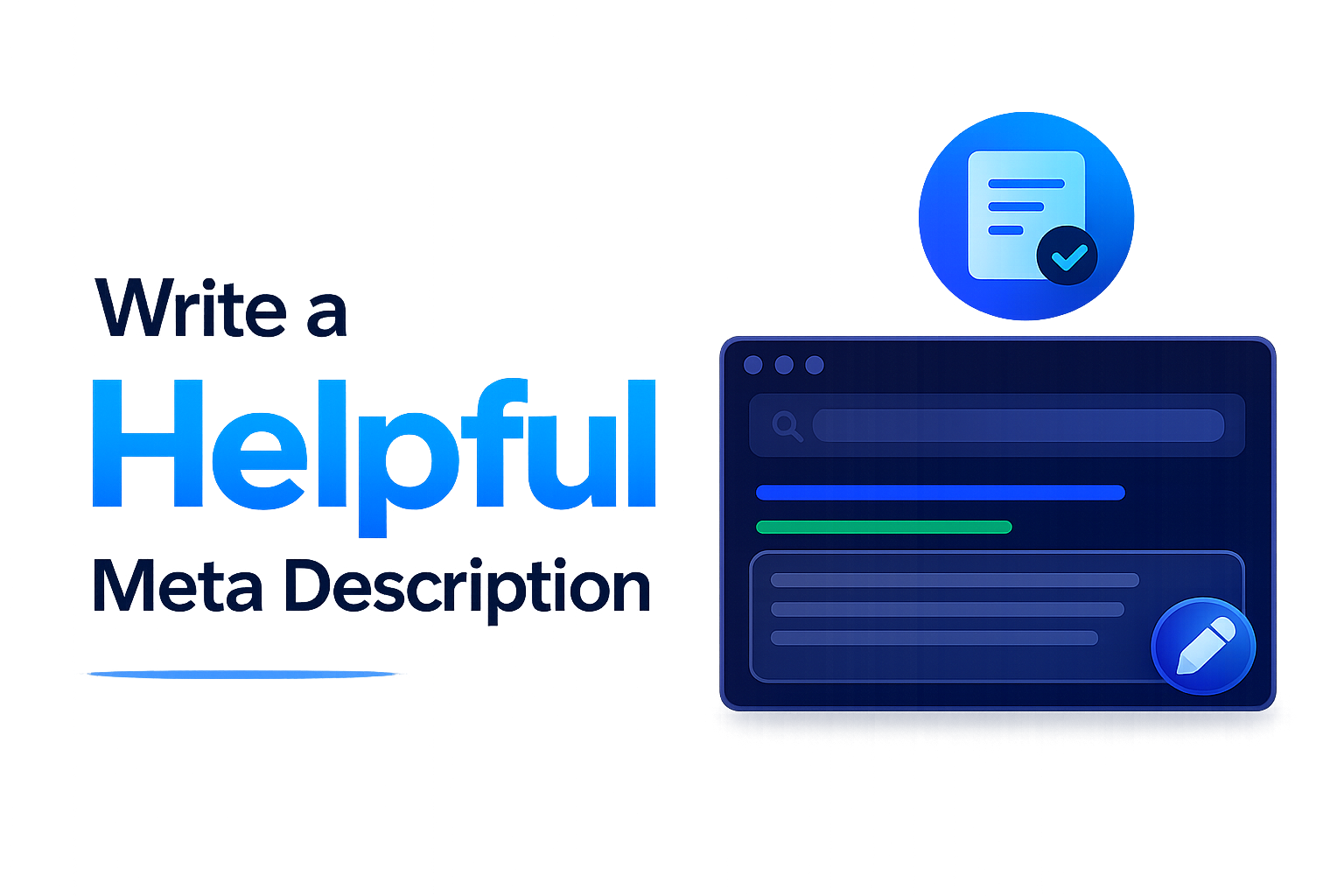
A meta description is a short summary that can appear below the page title in search results.
While it isn’t simply a ranking shortcut, a clear and compelling description can help users understand what your page offers.For this article, a possible meta description would be:
> Learn what on-page SEO is and discover practical techniques for optimizing titles, headings, content, images, URLs, internal links, and more.
A good meta description should accurately represent the page and encourage the right users to learn more.
Avoid making exaggerated promises or filling the description with repeated keywords.
7. Optimize Your URLs
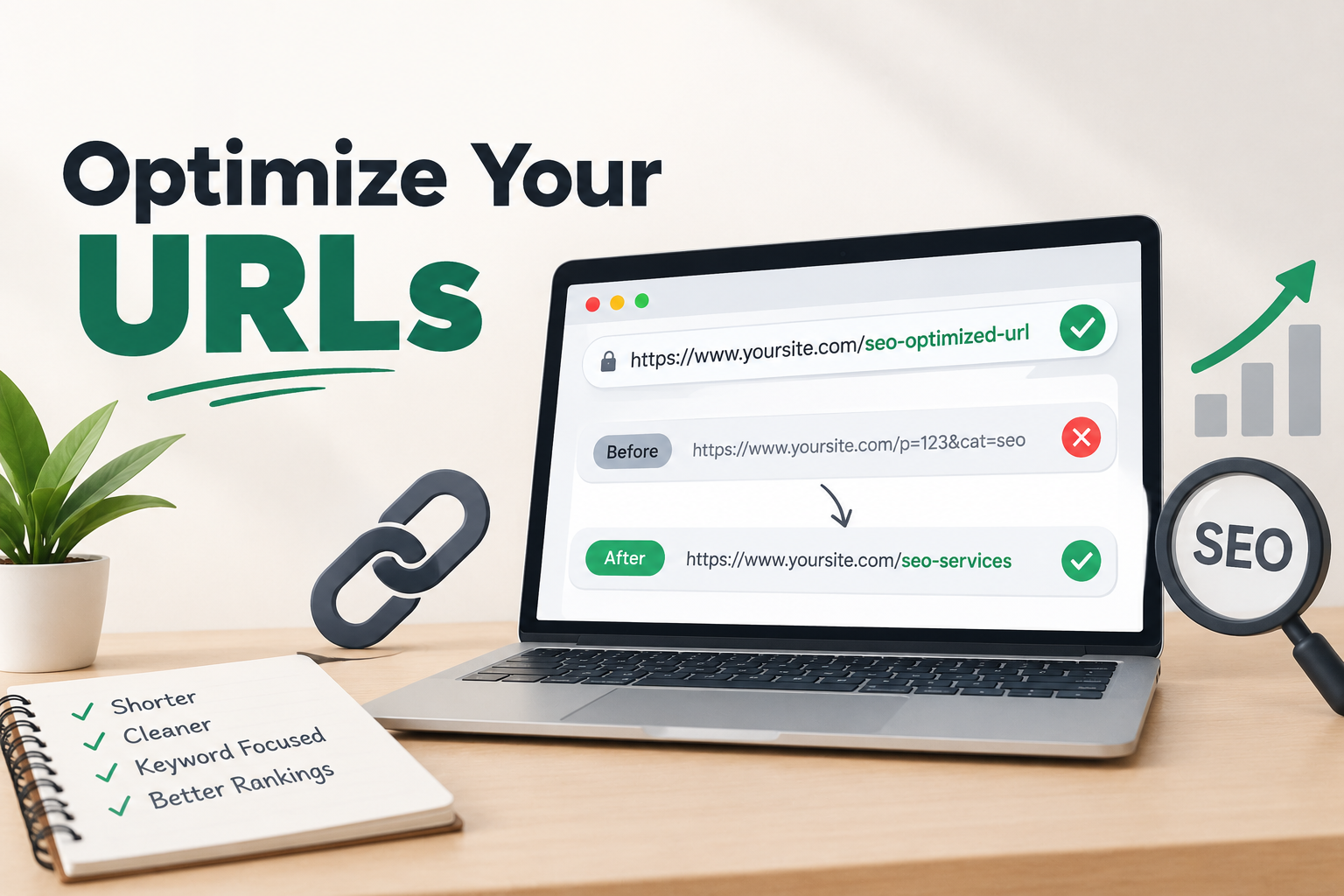
Your URL should clearly communicate the subject of the page.
For example:
`example.com/on-page-seo-guide/`
is easier to understand than:
`example.com/page123?id=4587`
A good URL is generally:
* Short
* Descriptive
* Easy to read
* Relevant to the page
* Free from unnecessary complexity
Avoid changing URLs unnecessarily once pages are established. If you do change an important URL, make sure the appropriate redirects and internal links are handled properly.
8. Optimize Images for SEO
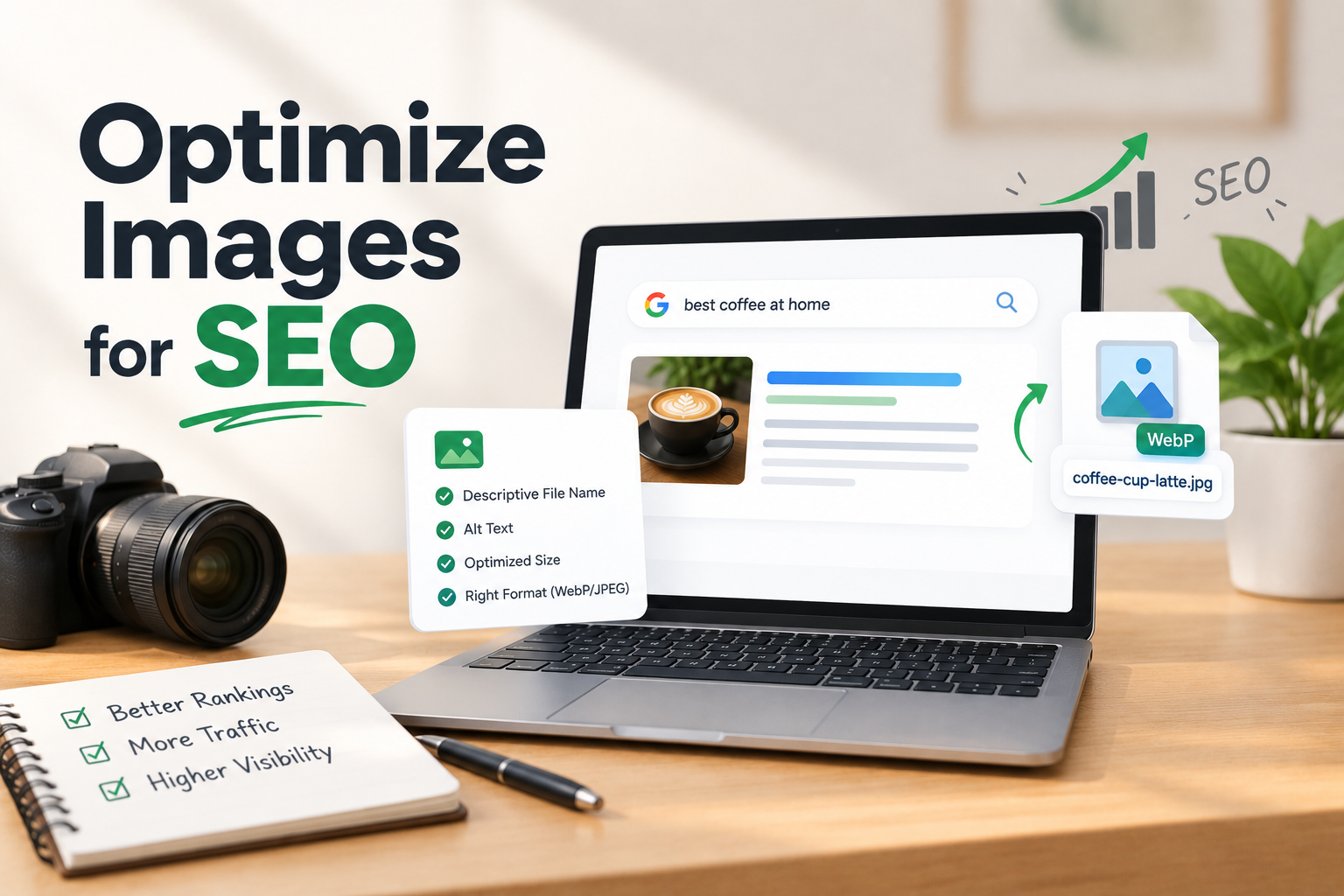 Images can make your content more engaging, but they can also affect website performance if they are not optimized.
Before uploading an image:
* Resize it appropriately
* Compress it
* Use a suitable modern format where practical
* Give it a descriptive file name
* Add useful alt text when appropriate
For example, instead of:
`IMG_2026_01.webp`
you could use:
`on-page-seo-optimization.webp`
Alt text should describe the image accurately.
For example:
> On-page SEO optimization checklist
Don’t use alt text simply as a place to insert keywords.
9. Use Internal Links
Internal links connect different pages on your own website.
For example, this article about on-page SEO could link to related pages about:
* SEO services
* Local SEO
* Website optimization
* Content marketing
* Digital marketing
Internal links help visitors discover related content and can help search engines understand your website’s structure and relationships between pages.
Use descriptive anchor text rather than vague phrases such as “click here” whenever practical.
For example:
> Learn more about our local SEO services.
is more descriptive than:
> Click here to learn more.
10. Improve Content Readability
Even excellent information can be difficult to consume if the page is poorly formatted.
Make your content easy to scan by using:
* Short paragraphs
* Clear headings
* Bullet points
* Numbered lists
* Simple language
* Relevant images
* Adequate spacing
Avoid creating huge blocks of text.
Remember that many people read websites on mobile devices. Clear formatting can make a significant difference to their experience.
11. Make Your Website Mobile-Friendly
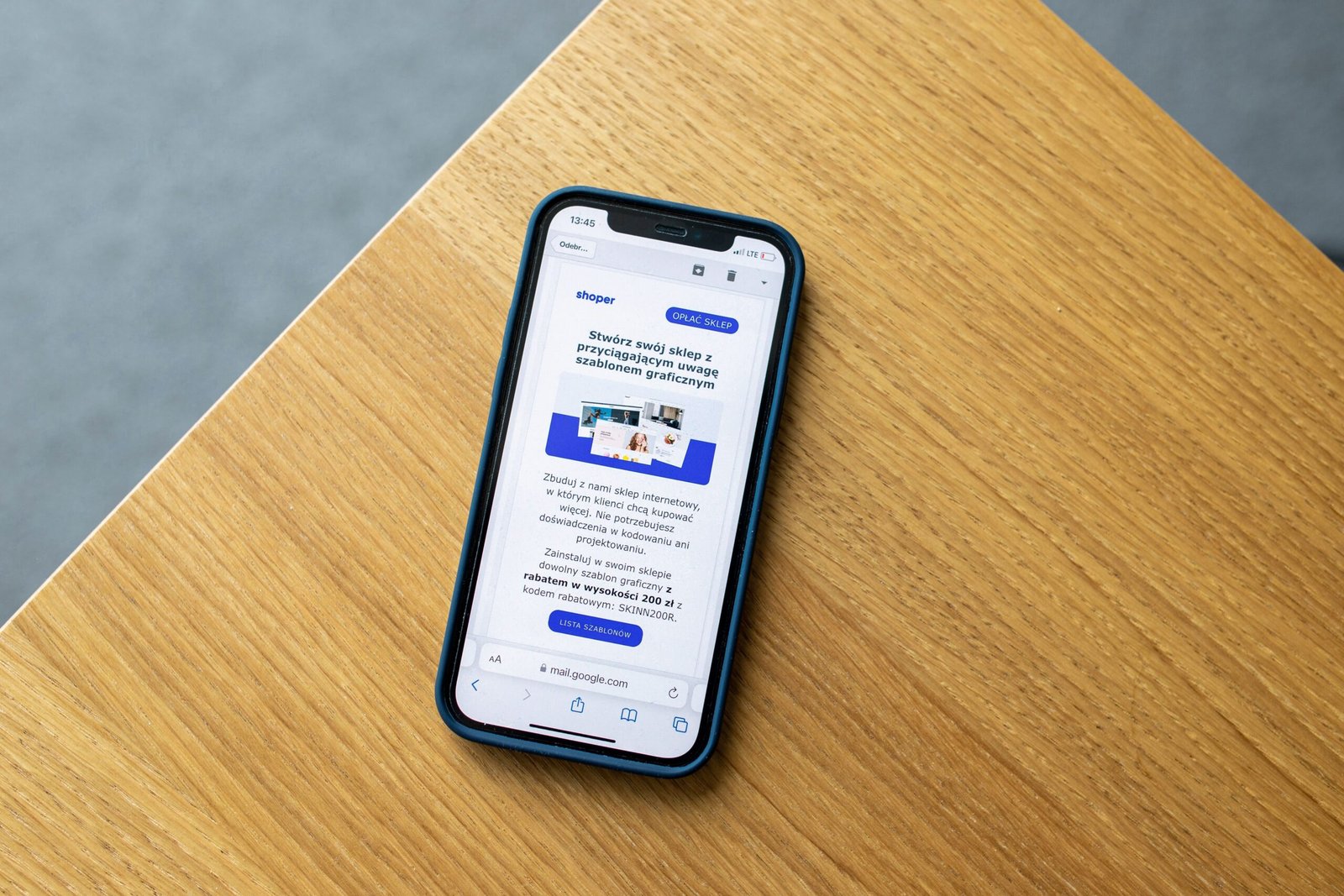
A large percentage of web users access websites through mobile devices.
Your pages should therefore work properly on smartphones and tablets.
Check that:
* Text is readable
* Buttons are easy to tap
* Images fit the screen
* Navigation works properly
* Content doesn’t overflow horizontally
* Forms are easy to use
A page that looks excellent on a desktop but is difficult to use on a phone can create a poor user experience.
12. Improve Page Speed
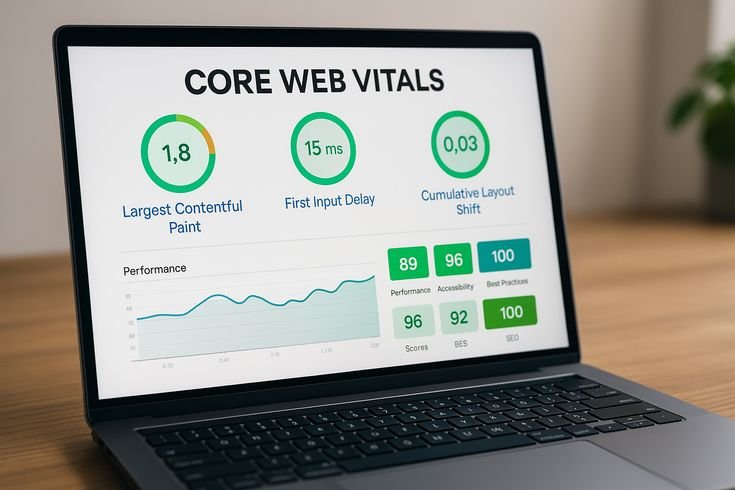
Website performance is another important part of creating a good page experience.
Large images, unnecessary scripts, poorly optimized themes, and excessive plugins can contribute to slow pages.
Some practical steps include:
* Compressing images
* Using efficient image formats
* Removing unnecessary scripts
* Using browser caching where appropriate
* Choosing reliable hosting
* Keeping website code efficient
You can use tools such as Google’s PageSpeed Insights to identify performance issues.
However, don’t optimize for a score alone. The ultimate goal is to make the website faster and easier for real visitors to use.
13. Optimize for User Experience

SEO and user experience are closely connected.
A visitor should be able to quickly understand:
1. What the page is about
2. What information is available
3. What they should do next
For a business website, this might mean having:
* Clear service information
* Strong calls to action
* Easy navigation
* Contact information
* Trust-building content
* Simple forms
If visitors can easily find what they’re looking for, the website becomes more useful to both users and the business.
14. Add Relevant External Links When Useful
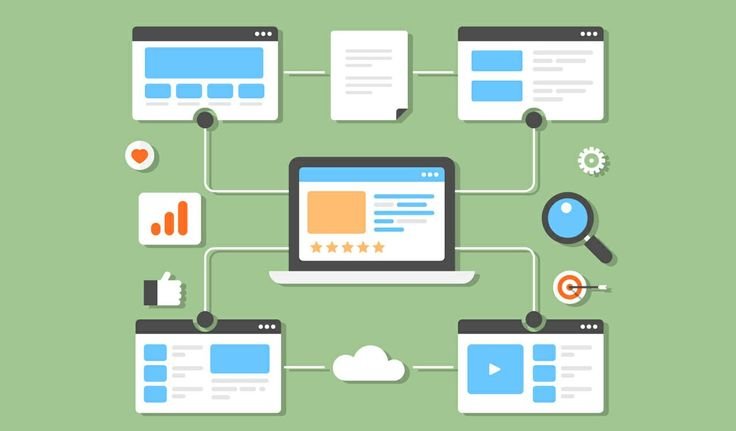
Internal links aren’t the only links that can improve content usefulness.
When appropriate, you can link to trustworthy external sources that provide additional information.
For example, an article discussing a Google product or official SEO guidance may link to the relevant official documentation.
External links should be added because they help the reader, not simply because you want to create more links.
15. Keep Your Content Updated
SEO doesn’t end when you publish an article.
Information can become outdated, especially in digital marketing.
Review older content periodically and update:
* Statistics
* Examples
* Screenshots
* Broken links
* Outdated strategies
* Old tools
* Incorrect information
Updating useful content can make it more accurate and valuable for readers.
Don’t update an article simply to change its publication date. Make meaningful improvements when they are needed.
Common On-Page SEO Mistakes
Many websites make simple mistakes that can reduce the quality of their pages.
Keyword Stuffing
Repeating keywords unnaturally can make content difficult to read.
Duplicate Content
Publishing substantially similar content across multiple pages can create confusion about which page should be shown.
Poor Heading Structure
Using headings randomly can make content harder to understand.
Missing Alt Text
Important images may lack useful descriptions for accessibility and context.
Extremely Long Paragraphs
Large blocks of text can make an article difficult to read, especially on mobile.
Weak Internal Linking
Important pages may become difficult for visitors and search engines to discover.
Ignoring Mobile Users
A website that doesn’t work properly on smartphones can create a poor experience.
Writing Only for Search Engines
Content should ultimately help people. SEO techniques should support that goal rather than replace it.
On-Page SEO Checklist
Before publishing a page, use this simple checklist:
Content
☐ Does the page satisfy search intent?
☐ Is the content useful and original?
☐ Is the topic explained clearly?
☐ Are keywords used naturally?
SEO Elements
☐ Is the page title descriptive?
☐ Is there a clear main heading?
☐ Are H2 and H3 headings used appropriately?
☐ Is the URL simple and relevant?
☐ Is the meta description useful?
Images
☐ Are images compressed?
☐ Are file names descriptive?
☐ Is appropriate alt text included?
Links
☐ Are relevant internal links included?
☐ Are useful external sources linked where appropriate?
☐ Are there broken links?
User Experience
☐ Does the page work well on mobile?
☐ Is the content easy to read?
☐ Is navigation simple?
☐ Does the page load efficiently?
☐ Is the call to action clear where appropriate?
Final Thoughts
On-page SEO is the foundation of a well-optimized website. It involves much more than placing keywords inside an article. A successful page combines useful content, clear structure, relevant keywords, optimized images, descriptive URLs, internal links, mobile usability, and a positive user experience.
The most effective approach is to optimize your website for people first and make it easy for search engines to understand the information you provide.
If you’re a small business owner, blogger, freelancer, or digital marketer, start by auditing your most important pages. Improve the titles, headings, content, images, links, and overall experience one page at a time.
On-page SEO is an ongoing process rather than a one-time task. As your website grows, continue reviewing your content, understanding your audience, and improving the pages that matter most.
A well-optimized website doesn’t just help search engines understand your content—it helps the right people find it, understand it, and take action.
AUTHOR : ARJUN
Leave a Reply