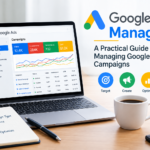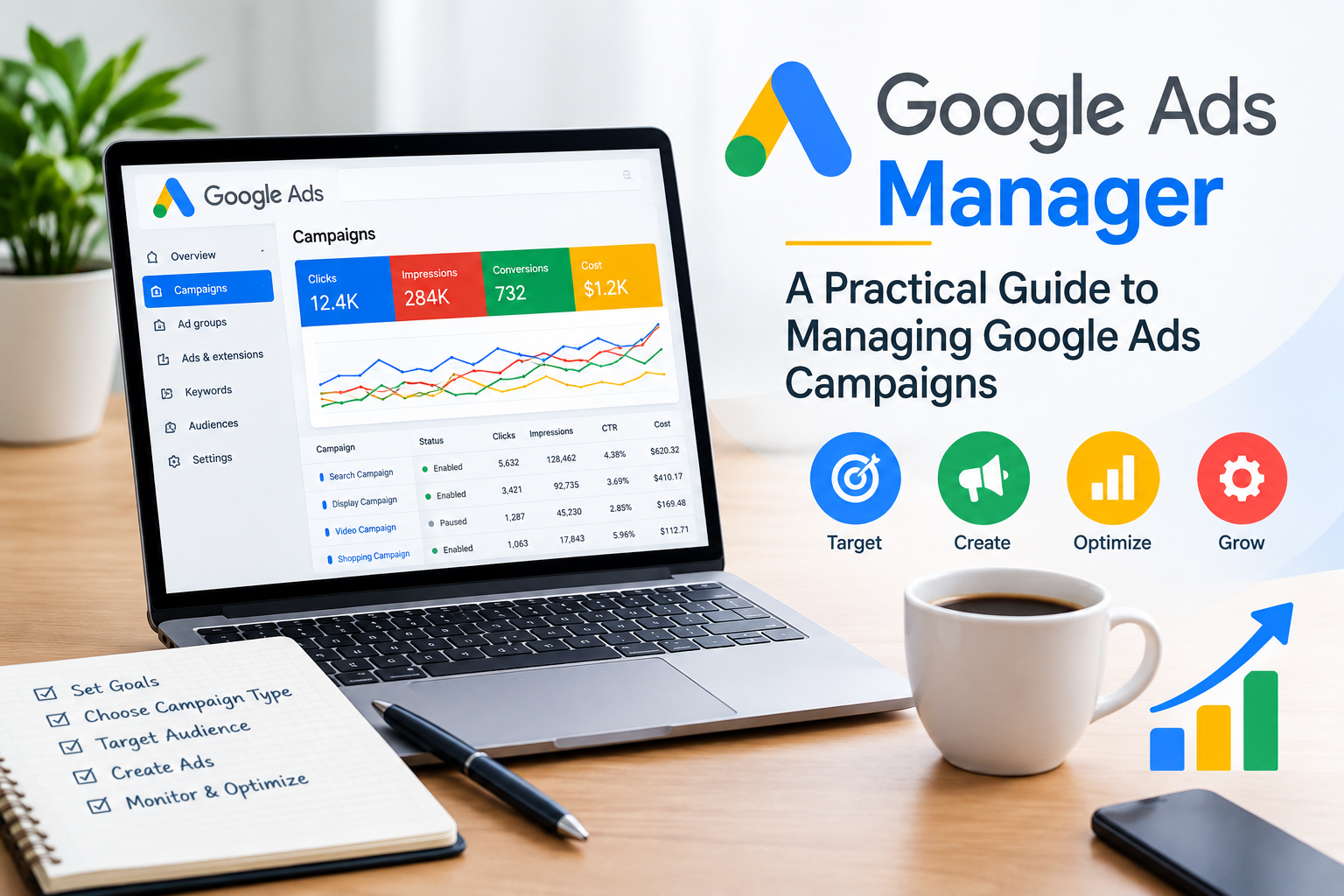
Running online advertising can be challenging when you’re trying to reach the right audience, control your budget, and understand whether your ads are actually delivering results. Google Ads Manager provides businesses and marketers with the tools they need to create, manage, monitor, and optimize Google advertising campaigns.
Whether you’re a small business owner, freelancer, marketing professional, or someone learning digital marketing, understanding how Google Ads works can help you make better advertising decisions.
In this guide, we’ll explore what Google Ads Manager is, how it works, its main features, and some practical tips for managing campaigns effectively.
What Is Google Ads Manager?
Google Ads manager can help businesses appear across Google’s advertising network, including Google Search and other eligible placements depending on the campaign type.
Instead of simply paying for advertising and hoping it works, advertisers can use campaign data to understand what is performing well and where improvements may be needed.

People often use search engines when they are looking for products, services, information, or solutions to a problem. Google Ads can allow businesses to place relevant advertisements in front of potential customers based on factors such as search queries, audience signals, location, and other targeting settings.
Some potential benefits include:
Reaching people with relevant search intent
Controlling advertising budgets
Targeting specific locations
Testing different advertisements
Measuring conversions and campaign performance
Adjusting campaigns based on performance data
However, successful Google Ads management requires more than simply creating an advertisement.

How Does Google Ads Work?
Not every digital marketing job offers the same starting salary. Some roles require specialized technical skills, while others focus on creativity, communication, or data analysis. Understanding the salary range for each role can help you choose a career path that matches both your interests and your income expectations.
If your goal is to earn the highest digital marketing salary for freshers, it’s worth investing time in learning high-demand skills before applying for jobs.

Key Features of Google Ads Manager
1. Campaign Management
Google Ads manager allows advertisers to create and manage different campaign types based on their advertising objectives.
Depending on the business and goal, campaigns can be used to generate website traffic, leads, sales, app activity, or other desired actions.
2. Keyword Targeting
For Search campaigns, keywords can help connect advertisements with relevant searches.
Choosing appropriate keywords is important because targeting overly broad or irrelevant terms can result in unwanted traffic.
Keyword research should consider:
Search intent
Relevance to your service or product
Competition
Expected value of the traffic
Different stages of the customer journey
3. Negative Keywords
Negative keywords are an important part of Search campaign management.
They can help prevent your ads from appearing for searches that are not relevant to your business.
For example, a business selling premium marketing services may want to exclude searches related to free services or unrelated educational searches.
Regularly reviewing search terms can help identify opportunities for adding negative keywords.
4. Location Targeting
If your business serves specific areas, location targeting can help you focus your advertising on relevant geographic locations.
For example, a local business in Kochi may choose to focus its campaigns on Kochi and surrounding service areas rather than targeting an entire country.
Location settings should be reviewed carefully because the best targeting approach depends on the business model and campaign objective.
5. Ad Creation
Your advertisements are often the first interaction a potential customer has with your business.
A useful ad should clearly communicate:
What you offer
Who you serve
Why your offering is relevant
What action the user can take
Instead of filling ads with unnecessary keywords, focus on clear and useful messaging.
6. Budget Management
Google Ads manager gives advertisers control over campaign budgets and bidding strategies.
Your budget should be connected to your business objectives rather than selected randomly.
Before setting a budget, consider:
Average customer value
Conversion rate
Cost per lead or sale
Available advertising budget
Expected demand
Campaign performance
Start with a manageable budget, gather data, and make informed adjustments.
Managing Google Ads effectively requires understanding campaign data.
Some commonly reviewed metrics include:
Click-Through Rate (CTR)
CTR shows how often people click an advertisement after seeing it.
A higher CTR can indicate that an ad is relevant to the searches or audience seeing it, although CTR should always be considered alongside other metrics.
Cost Per Click (CPC)
CPC represents the amount paid for clicks on your ads.
Monitoring CPC can help you understand how much you’re spending to generate website visits.
Conversion Rate
Conversion rate measures how frequently clicks result in a desired conversion.
Conversions might include:
Form submissions
Phone calls
Purchases
Sign-ups
Bookings
Cost Per Conversion
Cost per conversion helps advertisers understand how much advertising spend is associated with each recorded conversion.
This can be particularly useful when evaluating lead-generation campaigns.
Return on Ad Spend (ROAS)
For businesses tracking revenue, ROAS can help compare advertising revenue with advertising spend.
For example, if a campaign generates ₹50,000 in attributed revenue from ₹10,000 in ad spend, the ROAS would be 5.
Google Ads Manager vs Google Analytics
Google Ads manager and Google Analytics serve different purposes.
Google Ads is primarily used to create, manage, and optimize advertising campaigns.
Google Analytics is designed to provide broader insights into website and app activity, user behavior, acquisition, and conversions.
Connecting relevant measurement tools can give marketers a more complete understanding of what happens after users interact with an advertisement.

Common Google Ads Management Mistakes
Using Broad Keywords Without Monitoring Search Terms
Broad targeting can sometimes expose campaigns to searches that aren’t useful for your business. Regular search-term analysis can help identify irrelevant traffic.
Sending All Traffic to the Homepage
A dedicated landing page that matches the advertisement and search intent can provide a more relevant experience than sending every visitor to the homepage.
Ignoring Conversion Tracking
Without reliable conversion measurement, it becomes much harder to understand whether advertising is contributing to meaningful business outcomes.
Changing Campaigns Too Frequently
Constantly making changes without allowing sufficient time for meaningful data can make campaign performance harder to evaluate.
Focusing Only on Clicks
Clicks are useful, but they aren’t necessarily the final business goal. Leads, sales, bookings, or other meaningful conversions may matter more.

How to Improve Google Ads Campaign Performance
Effective Google Ads management is an ongoing process.
A practical optimization routine can include:
Review campaign performance regularly.
Check search terms for irrelevant queries.
Add negative keywords when appropriate.
Test different ad messaging.
Review landing-page relevance.
Monitor conversion tracking.
Compare performance across locations and audiences.
Review budget allocation.
Identify underperforming campaigns or keywords.
Make changes based on data rather than assumptions.

Is Google Ads Suitable for Small Businesses?
Google Ads can be useful for small businesses when campaigns are carefully targeted and measured.
A local business, for example, may focus its advertising on searches related to its services and service area instead of trying to reach everyone.
For small businesses, the key is not necessarily spending more. It is understanding which searches, audiences, and campaigns are contributing to valuable business outcomes.

Should You Hire a Google Ads Manager?

Managing Google Ads can require time, research, testing, and regular monitoring.
Businesses may choose to manage campaigns themselves or work with a freelance digital marketer, PPC specialist, or digital marketing agency.
Professional support may be useful when:
- You don’t have time to manage campaigns
- Your campaigns are becoming complicated
- You are spending money without understanding the results
- Conversion tracking needs improvement
- You want help with campaign structure and optimization
The right approach depends on your budget, internal expertise, campaign complexity, and business goals.
Final Thoughts
Google Ads Manager provides businesses with a powerful environment for managing paid search and other Google advertising campaigns. But creating an account and launching an advertisement is only the beginning.
Successful campaign management involves relevant targeting, useful ad messaging, appropriate budgets, accurate conversion tracking, and continuous optimization.
If you’re using Google Ads for your business, focus less on simply generating clicks and more on attracting the right users and measuring the actions that matter to your business.
A well-managed campaign can become an important part of a broader digital marketing strategy when it is planned, measured, and optimized thoughtfully.